
Discover the Lapikit components
Components are at the heart of Lapikit. Without them, the library won’t exist. Each component is a reusable block of code that handles an entire user interface element, in perfect alignment with the design system defined by Lapikit.



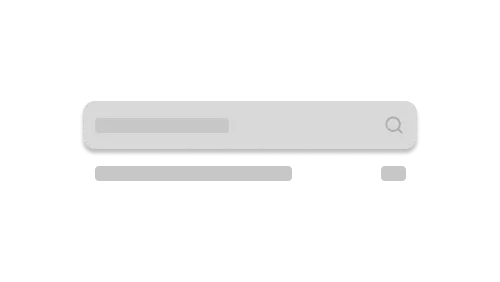
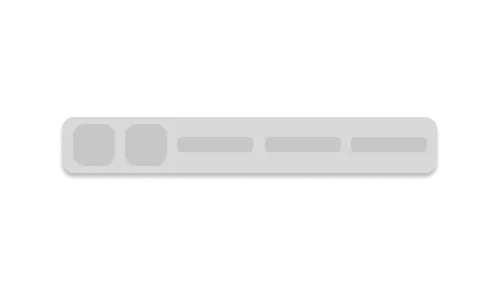
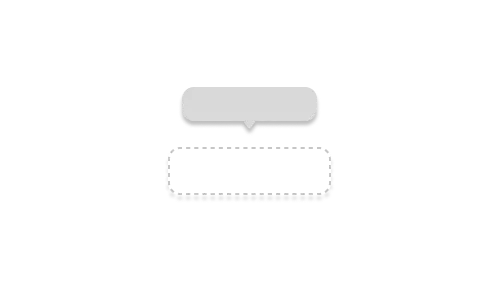
Every component receives props (parameters) that allow you to customize its appearance and behavior.
A concrete example: the Button component. It displays an interactive button that can receive text, an icon, a link, or combinations of these. It automatically inherits Lapikit styles while remaining fully customizable (size, color, variant, states, and more).
Components can also be nested. For instance, a Card can contain a Button, images, text, or any other components. This nesting respects the Lapikit global configuration, ensuring visual consistency and accessibility across your app.
Lapikit provides a complete library of Svelte components built for speed, clarity, and maintainability. Buttons, cards, dialogs, toolbars, and more are ready to use, so you spend less time reinventing UI elements and more time focusing on user experience.
All components follow the same design logic and naming conventions, keeping your code clean, readable, and scalable. The principle is simple: write less boilerplate, build faster, and maintain full control over your interface. Lapikit empowers you to prototype smarter, implement consistently, and ship reliable, polished Svelte applications.